Connect tool servers
Attach external MCP servers without turning Lurus into a REST API for custom applications.
Connect MCP servers to Lurus and make external tools available to your AI agents in a controlled way – from tool discovery to confirmation dialogs.
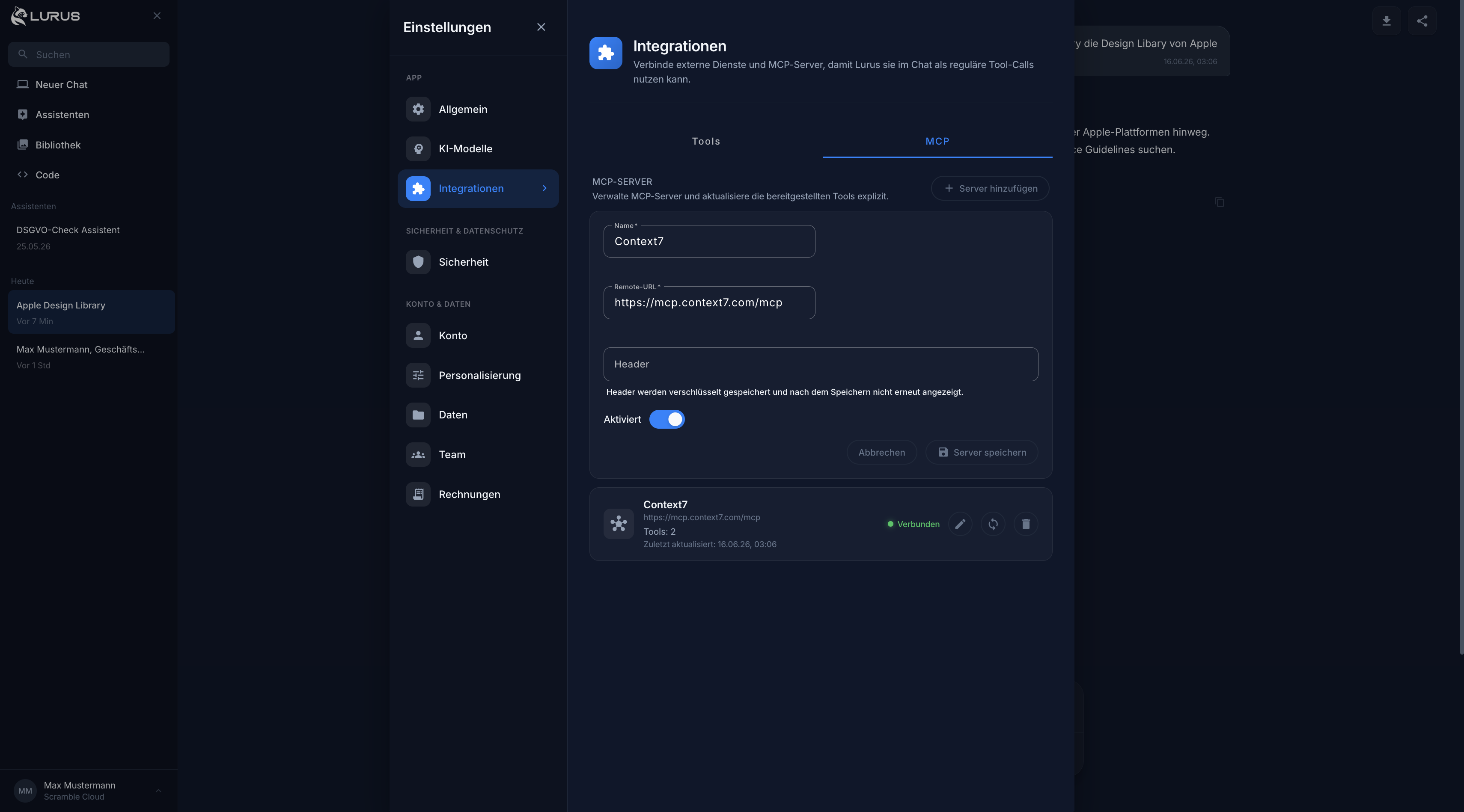
Lurus connects external tool servers via Streamable HTTP and exposes discovered tools safely in chat.
Attach external MCP servers without turning Lurus into a REST API for custom applications.
Lurus reads available tools and makes them available to chat when they match the task.
Read-only tools can run directly, while write actions require clear confirmation.
MCP stays technically flexible while remaining controllable for teams.
Add the server URL and optional headers. Lurus uses Streamable HTTP and encrypts sensitive headers.
Tool discovery makes available actions visible and keeps them current for chat.
The AI identifies suitable tools in conversation and executes them according to read-only status and team policy.
MCP extends Lurus without giving up control over data flows and actions.
Remote MCP servers are connected through the supported Streamable HTTP transport.
Authentication headers are stored encrypted and are not exposed visibly in the UI.
Admins can allow or restrict integrations across the team.
Non-read-only tools trigger explicit confirmation before actions are executed.
Connect documentation, knowledge bases or internal search systems as tool servers.
Expose technical tools such as context servers, documentation search or issue systems.
Access business data and control actions with confirmation for write operations.
Connect custom automations without building every action as a native integration.
Start with Lurus and bring external tools safely into your AI workflows.